Arrange what is already open
Fit eligible standard windows to the active display with one shortcut. The position-aware layout minimizes unnecessary movement instead of shuffling every window blindly.
Free Mac window manager
Waindow arranges and restores standard Mac windows, resizes shared edges together, moves focus by keyboard, and keeps local Markdown memos attached to the work. It is free, native, and requires no account.
macOS 13.1+ · Apple Silicon + Intel · 7.77 MB ZIP
Exact scope
Waindow works with eligible standard windows through macOS Accessibility. Apps with custom, hidden, minimized, full-screen, or system-owned windows may not participate in every action.
Fit eligible standard windows to the active display with one shortcut. The position-aware layout minimizes unnecessary movement instead of shuffling every window blindly.
Store app identities and display-relative geometry, inspect every planned move or missing window before applying, and undo the latest move. This is not a replacement for macOS Spaces or Stage Manager.
Scan for windows whose title bars became unreachable after a monitor or resolution change. Waindow shows the affected apps first, then returns the windows only after you apply.
Activate Linked Resize, grab a shared edge, and adjust neighboring eligible windows together. The link is temporary and visible while it is active.
Cycle focus or move the current window with keyboard actions when the pointer would interrupt your flow.
Attach a local Markdown memo to the focused window, then find open and archived notes in a searchable library. Nothing is uploaded by Waindow.
Actual product · No mockup
This is the current Waindow 1.10.0 Workspaces screen in English. Save a desktop, preview mapped and missing windows or displays, apply the plan, undo it, or rescue title bars stranded off screen.
Download the same app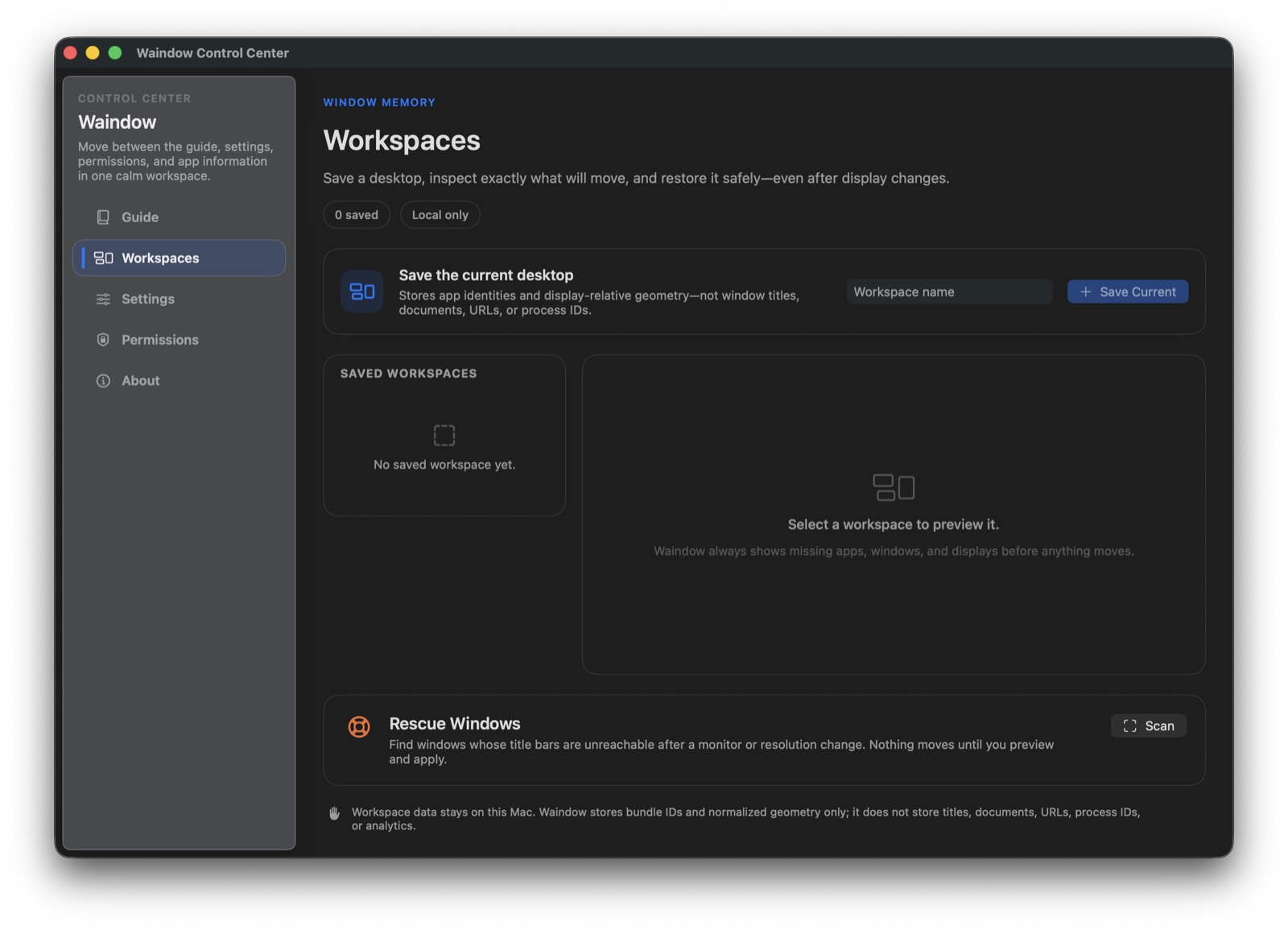
Fit check
Trust before install
Try the exact current build